
It was well after dark on a Tuesday evening in late autumn 2025 when I realized my home network was a house of cards. I was mid-match in a competitive shooter, my character freezing in place while the ping counter on my screen did a frantic dance between 40ms and 400ms. From the living room, I heard that specific, heavy silence that precedes a storm, followed by my partner’s long sigh when the smart TV buffered for three seconds during the climax of a movie. My 'secure' setup—the one I’d spent months obsessing over after my employer’s 2023 data breach—was effectively choking our real-time performance.
Being a senior dev in Seattle means I spend my days worrying about architecture and my nights worrying about my personal threat model. After that 2023 breach, I went from a guy who barely remembered his passwords to someone who runs recurring speed comparisons on a dozen different VPN subscriptions. But that night taught me that raw speed (Mbps) is a vanity metric. If you want a network that feels snappy, you have to solve for latency. Choosing a protocol is like picking a cloud storage plan; you aren’t just looking at the total capacity, you’re looking at how fast you can actually pull a single file when you need it.
The Architecture of Overhead
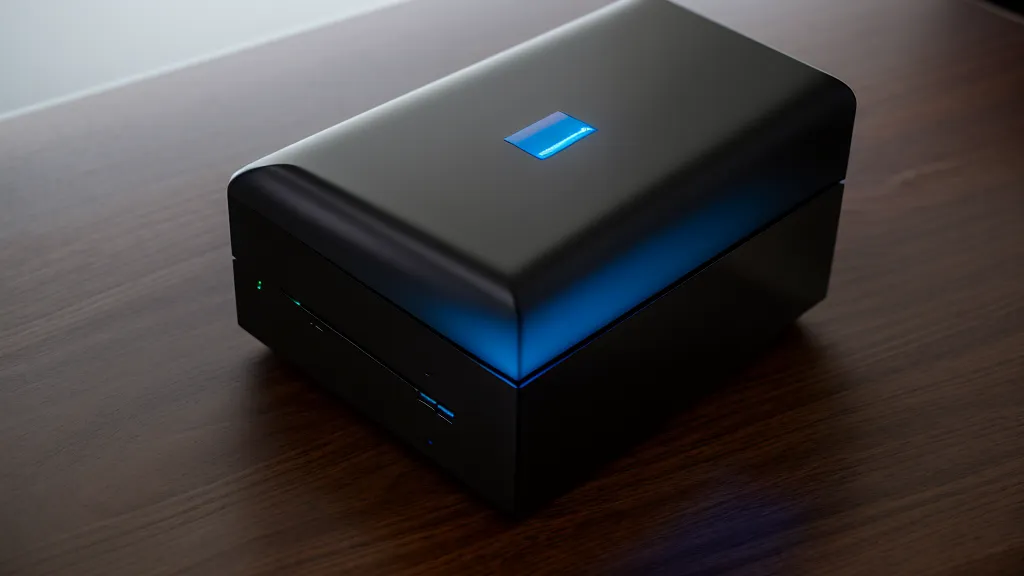
When we talk about VPN protocols, we’re really talking about how your data is packaged and shipped. Every time you send a packet, the VPN adds its own headers—extra bits of data that tell the server how to decrypt the payload. In my home office, I can often hear the faint, rhythmic whir of my home server rack under the desk, a constant reminder of the processing power required just to keep my traffic private. During a packet loss spike, that blue LED on the router starts blinking rapidly, signaling a traffic jam at the protocol level.
The biggest bottleneck in low-latency networking is often the Maximum Transmission Unit, or MTU. Standard Ethernet has an MTU of 1500 bytes. When you add a VPN protocol into the mix, that 1500-byte limit doesn't change, but the space available for your actual data shrinks because the VPN headers take up room. If your protocol is too 'heavy,' your data gets fragmented—split into two packets instead of one—which effectively doubles your latency for that chunk of information. It’s like trying to fit a slightly-too-large box into a shipping container; you either find a smaller box or you pay for two containers.
WireGuard vs. The Legacy Giants
By mid-winter, I had moved most of my testing to WireGuard. From a developer's perspective, WireGuard is beautiful. It’s approximately 4000 lines of code. To put that in context, OpenVPN is closer to 100,000 lines. In the software world, more code usually means more surface area for bugs and more 'cruft' that slows down execution. WireGuard uses the ChaCha20 cipher for symmetric encryption, which is a dream for CPUs that don’t have dedicated hardware acceleration for AES. It’s lean, it’s mean, and it’s built for the modern internet.
However, legacy protocols like OpenVPN still have their place, though usually not in my gaming rig. OpenVPN typically defaults to UDP port 1194, and while it’s the 'old reliable' of the industry, its overhead is significant. Then there’s IKEv2/IPsec, which uses UDP port 500 for its initial key exchange. IKEv2 is actually quite good for mobile devices because it handles reconnecting extremely well when you switch from Wi-Fi to cellular, but for a fixed home setup, it rarely beats WireGuard on raw response times.

One thing I’ve learned through months of benchmarking is that the 'TCP-over-TCP' problem is a real performance killer. If you run your VPN over a TCP connection (which some people do to bypass strict firewalls), you end up with nested retransmission timers. If one packet drops, both the VPN layer and the underlying internet layer try to resend it at different intervals, creating a 'meltdown' effect that sends latency into the stratosphere. This is why UDP is the gold standard for anything real-time. It doesn't care about a three-way handshake for every packet; it just fires the data and moves on.
When 'Fast' Protocols Fail: The Congestion Paradox
Early last spring, I started noticing something weird. On paper, WireGuard was the undisputed king of my speed tests. But on one humid evening in July, when the local ISP node was clearly struggling with the neighborhood's collective Netflix demand, WireGuard felt... worse. My pings were all over the place, while my old OpenVPN setup (configured over UDP) felt remarkably stable, if slightly slower.
This led me to what I call the Congestion Paradox. WireGuard is aggressive. It’s designed to saturate the available bandwidth as quickly as possible. On a clean, high-speed fiber line, that’s great. But on a congested or lossy network, that aggressiveness can actually backfire. It can trigger ISP policing or simply overwhelm a router that’s already struggling to manage a queue. In those specific scenarios, I found that the way older protocols handle packet pacing can sometimes result in a smoother, albeit 'slower,' experience. It’s the difference between a sports car that stalls in stop-and-go traffic and a reliable sedan that just keeps crawling forward. I actually wrote a bit about this when I was looking into the Best VPN for Online Gaming With Low Ping and Minimal Lag, as raw speed is rarely the whole story when you're trying to keep your frag count up.
The Sweet Spot for Home Networking
By late August, I had finally settled on a configuration that didn't result in any more 'flags' being planted in our home life. For my gaming PC and our primary streaming devices, I use WireGuard with a slightly tuned MTU to avoid fragmentation. I’ve found that dropping the MTU just a hair below the default often stabilizes the connection on my specific ISP's route. It’s a bit like adjusting the settings on a new Wi-Fi router; the defaults are usually 'fine,' but the magic happens in the tweaks.

For my partner’s devices, I keep things simple. She doesn't care about the 4000 lines of code or which port we’re using; she just wants the TV to work. I’ve found that using a protocol that prioritizes stability over raw throughput—even if it means a 5% drop in top-end speed—is the key to domestic harmony. Sometimes that means using a specialized proxy setup for specific tasks, like when I was experimenting with a Private Internet Access SOCKS5 Proxy Setup for Faster Downloads to keep my heavy traffic separate from our 'real-time' needs.
The takeaway from my two-year journey into the weeds of VPN protocols is that there is no 'best' for everyone. If you’re on a rock-solid fiber connection, WireGuard is almost certainly your winner. But if you’re dealing with a shaky suburban cable line or a congested apartment Wi-Fi environment, don’t be afraid to experiment with the 'legacy' options. Sometimes the protocol that markets itself as the fastest is just the one that’s most likely to trip over its own feet when the going gets tough. My network is finally quiet, my pings are low, and the only rhythmic whir I hear now is the sound of a system that’s finally properly tuned.